
Author of GodotAwesome, a Godot game engine blog.
Write for GodotAwesome: How to Submit a Guest Article
Updated
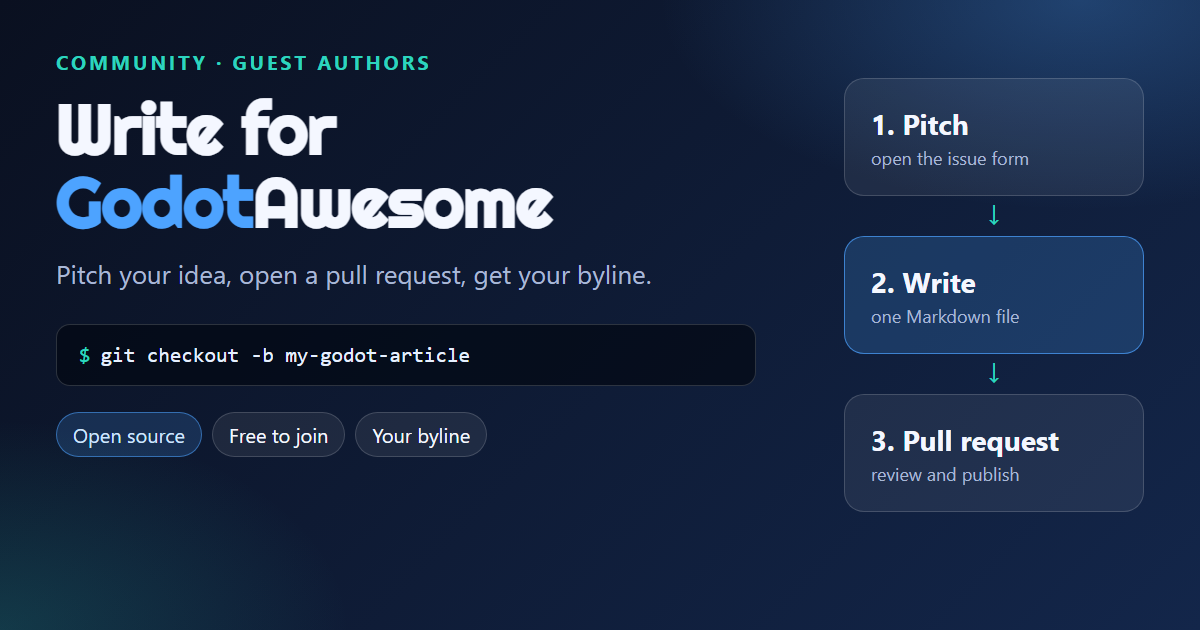
You can write for GodotAwesome. Pitch your idea, write the article as a Markdown file, and open a pull request on GitHub. The whole site is open source, so your article, your byline and your changes are all public.
30-second version
- Open the Pitch an article form
- Fork the repository and create
content/posts/YYYY-MM-DD-your-slug.md - Open a pull request and fill in the checklist
Full details are in CONTRIBUTING.md.
What we publish
- Practical Godot 4 tutorials and quick code solutions
- Add-on and tool write-ups from people who actually used them
- Game dev stories and project breakdowns
- Corrections and updates to existing articles
If you are not sure your idea fits, pitch it anyway. It costs nothing.
Step by step
1. Pitch
Open the Pitch an article form and give us a working title, who the article is for, the Godot version you will test with and a short outline. This avoids two people writing the same piece.
2. Set up the site locally
git clone https://github.com/YOUR-NAME/godotawesome.github.io.git
cd godotawesome.github.io
npm ci
npm run dev
Open http://localhost:3000 to preview your article while you write.
3. Create your article file
Add a Markdown file in content/posts/. The filename starts with the publish date, and the rest becomes the URL:
content/posts/2026-12-01-godot-save-load-json.md -> /godot-save-load-json/Start the file with front matter:
---
layout: post
title: "Godot Save and Load With JSON (Godot 4)"
author: your-author-id
categories: [ Tutorials ]
tags: [GDScript, Godot 4, Save System]
image: assets/images/articles/godot-save-load-json.png
description: "Save and load game data in Godot 4 with JSON. Copy-paste code and common mistakes."
featured: false
hidden: false
---
4. Add yourself as an author
Open content/authors.json, copy an existing entry and give it your own id, name, short bio, avatar and link. Use that id in the author field.
5. Add images
Put a 1200 x 630 thumbnail in public/assets/images/articles/ and inline images in a folder named after your slug. Write alt text for every image. Use your own screenshots or images you have the right to use.
6. Check and open the pull request
npm run build
npm run check-urls
Then push your branch and open a pull request. The template has a short checklist. We review for accuracy, fit and style, and we may suggest changes.
Never used GitHub?
You can do all of it in the browser. Fork the repository, open the content/posts folder, choose Add file, Create new file, paste your article, then Propose changes. GitHub will guide you to open the pull request.
Our writing rules
- Quick answer first. Say what the reader gets in the first paragraph
- Test everything. Run each command and snippet yourself and say which Godot version you used
- Link your sources. Use official docs, release notes and project repositories. Do not invent quotes, statistics or testimonials
- Make it scannable. Short sections, tables, checklists and copy-paste code
- Use your own words and screenshots
- Keep the style plain. No filler or hype, and no em dashes or en dashes
AI assistance
Using AI for grammar and editing is fine. If AI wrote substantial parts of the text or code, tell us in the pull request. You must run and verify every snippet yourself. We decline articles with untested code or invented facts.
Links and promotion
We do not accept paid placements, affiliate links or link dropping. If you work on something you write about, add a short disclosure near the top of the article. A link to your own site in your author bio is welcome.
Do guest authors get paid?
No. Guest articles are unpaid. You get a byline, an author page with your bio and a link, and a permanent home for your work. You keep your copyright and give GodotAwesome a license to publish and keep the article online. See the Rights section in CONTRIBUTING.md.
FAQ
How long does a review take?
Reviews are done by the maintainer on a best-effort basis, so please be patient and keep the pull request open for questions.
Can I republish my article elsewhere?
Yes, if you link back to the original on GodotAwesome.
Can I fix an article that is not mine?
Yes. Small fixes and corrections are welcome as pull requests, or use the Report a correction form.
What if my article is not accepted?
We may decline a submission if it does not fit or does not meet the rules. You are free to publish it elsewhere.
Ready?
· Updated