Practical Godot guides from the GodotAwesome team, checked against official docs and release notes.
Godot Web Export (HTML5): Quick Guide for Godot 4
Export with Project > Export > Add > Web, keep "Use Threads" off, and test it through a local web server, not by double-clicking index.html. That setup works for most Godot 4 games. This guide follows the official Godot 4.7 web export docs. We wrote it from those docs and did not run a browser build for this page.
Last checked: 7 November 2026.
30-second answer
| Question | Answer |
|---|---|
| Which renderer does the web use? | Compatibility only. Forward+ and Mobile are not supported on the web |
| Can I export a C# project to the web? | No, Godot 4 C# projects cannot be exported to the web |
| Do I need special server headers? | Only if you turn on "Use Threads" |
| Which main file name should I use? | index.html |
Can I open the exported index.html from disk? |
No, serve it over HTTP, for example with serve.py |
Export steps
- Open Project > Export and click Add... > Web.
- Install the export templates if the editor asks (Editor > Manage Export Templates).
- In the Web preset, leave Use Threads off. The docs call single-threaded export the preferred way and the default.
- Set the export path to a folder, with the file name
index.html. - Click Export Project.
You get index.html plus a .wasm (the engine), a .pck (your game), a .js file (startup code) and a .png (boot splash). Keep these file names unchanged, because the export expects them.
Test locally
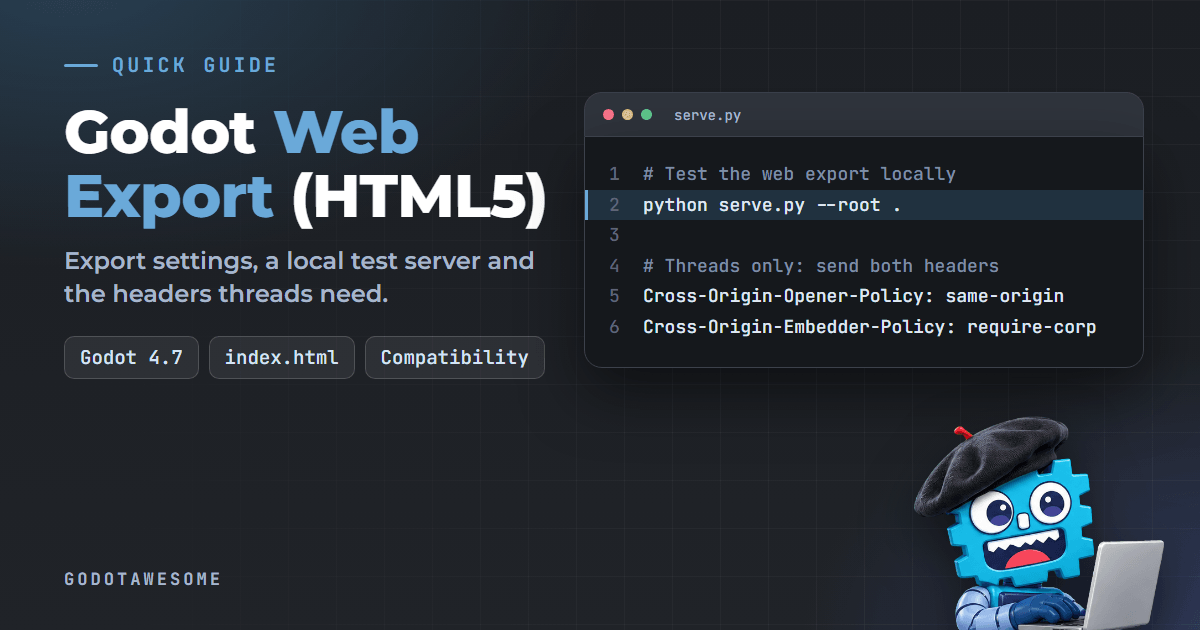
Godot ships a small Python script, serve.py, in the repository. Copy it next to your exported index.html, then run:
python serve.py --root .On some systems the command is python3. It opens your default browser. The docs say it is for testing only. Use a real web server such as Apache or nginx in production.
Only if you use threads: send two headers
A threaded export uses SharedArrayBuffer, so the server must send these headers, otherwise the project will not run:
Cross-Origin-Opener-Policy: same-origin
Cross-Origin-Embedder-Policy: require-corp
nginx example:
add_header Cross-Origin-Opener-Policy "same-origin" always;
add_header Cross-Origin-Embedder-Policy "require-corp" always;
If you cannot set headers, the docs describe a workaround: in the Web preset turn on Progressive Web App > Enable, which installs a service worker. A secure context (HTTPS) is still required. GDExtension on the web also needs cross-origin isolation.
Make it smaller and faster
- The
.pckand.wasmfiles are large. Serve them compressed. - The
.wasmfile gzips to about a quarter of its size. Brotli precompression can save more if your host supports it. - GitHub Pages compresses on the fly. itch.io does not, according to the docs.
- Serve
.wasmwith theapplication/wasmMIME type so startup optimizations work. - You can build a custom export template with unused features disabled to cut the WebAssembly size.
GDScript snippet: handle browser quirks
Browsers block autoplay audio, and fullscreen must come from an input event. This snippet shows a start screen pattern and a fullscreen toggle:
extends Node

var started := false

func _input(event: InputEvent) -> void:
	# The browser only allows audio and fullscreen after a user action.
	if event is InputEventKey and event.pressed and not event.echo:
		if not started:
			started = true
			_start_game()
		elif event.keycode == KEY_F:
			_toggle_fullscreen()

func _start_game() -> void:
	if OS.has_feature("web"):
		print("Running in a browser")
	# Start music here, after the first key press.

func _toggle_fullscreen() -> void:
	var mode := DisplayServer.window_get_mode()
	if mode == DisplayServer.WINDOW_MODE_FULLSCREEN:
		DisplayServer.window_set_mode(DisplayServer.WINDOW_MODE_WINDOWED)
	else:
		DisplayServer.window_set_mode(DisplayServer.WINDOW_MODE_FULLSCREEN)
Put the real music start inside _start_game(). The docs say fullscreen and mouse capture must be triggered from _input or _unhandled_input, not by polling the Input singleton.
Browser limits to know
| Limit | What to do |
|---|---|
| Save files | user:// needs IndexedDB. Users must allow cookies, and private browsing prevents persistence |
| Background tabs | The browser pauses the game when the tab is not active |
| Audio | Since Godot 4.3 the default is Sample playback, which does not support AudioEffects, reverb, doppler or procedural audio |
| Networking | Low-level networking is not available. Use HTTP requests, WebSocket (client) or WebRTC |
| Gamepads | Not detected until a button is pressed, and mapping can vary by browser and controller |
| Safari | Has WebGL 2.0 issues other browsers lack. Test in Chromium and Firefox too |
| Custom page | Do not edit the generated HTML. Use a Custom HTML shell or your edits are lost on the next export |
Common questions
Why does my web build show a blank page?
Opening index.html from disk does not work. Serve it with serve.py or a web server. If you enabled threads, check the two headers above.
Can I put a Godot web game on GitHub Pages?
Yes for a single-threaded export, and GitHub Pages compresses files on the fly. A threaded export needs headers GitHub Pages cannot set, so use the PWA workaround or another host.
Why is my web game so big?
The engine .wasm file is large. Serve it compressed, and consider a custom export template.
Related
- Godot versions and support status
- Godot vs Unity in 2026: web export differs between the engines
Found an error? Use the correction form.